In today’s fast-paced world, where time is precious and productivity reigns supreme, meetings can often feel like a necessary evil—consuming hours without yielding significant results. Enter Otter, the AI meeting agent that’s transforming the way we collaborate. Imagine a world where your notes are automatically transcribed, insights are effortlessly captured, and action items are highlighted—all in real-time! In this blog post, we’re diving deep into how Otter not only streamlines your meetings but also enhances team communication and fosters accountability. Whether you’re a busy professional scrambling to keep up with back-to-back agendas or part of a remote team seeking cohesion in virtual spaces, discover how Otter can revolutionize your meeting experience from chaotic to crystal clear. Buckle up as we explore its features, benefits, and tips for maximizing its potential—let’s make every minute count!
Introduction to Otter as an AI Meeting Agent
Meetings can often feel like a necessary evil. We gather around conference tables or log into virtual rooms, hoping to make progress but sometimes ending up with more confusion than clarity. What if there was a way to enhance your meeting experience? Enter Otter—an AI-powered meeting agent that promises to transform how we document and engage during discussions. Picture this: no more frantic note-taking, missed insights, or struggling to recall important points after the fact. With Otter by your side, you can focus on what really matters—connecting with your team and driving decisions forward. This innovative tool not only transcribes conversations in real time but also offers features designed to streamline collaboration and boost productivity. Curious about how Otter works and whether it’s right for you? Let’s dive deeper into the world of AI meeting agents and explore how Otter can elevate your meetings from chaotic chatter to structured dialogue.
What is Otter and How Does it Work?
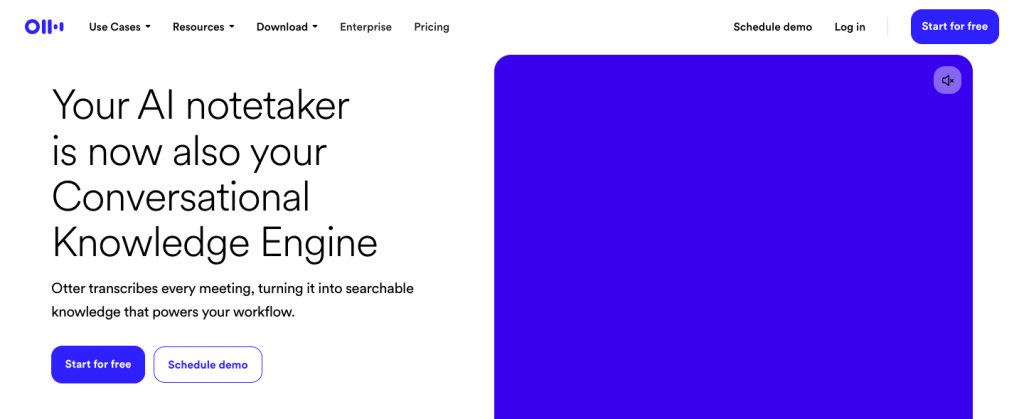
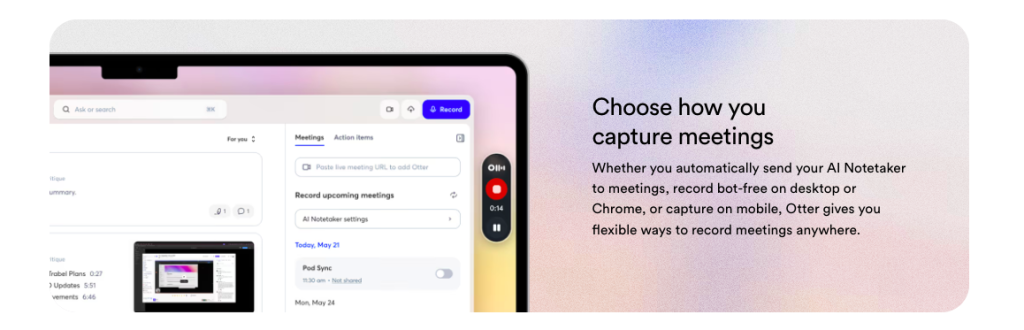
Otter is a cutting-edge AI meeting agent designed to simplify how we capture, manage, and share information during meetings. Its primary function revolves around transcribing spoken words into written text in real-time, making it easier for teams to focus on discussions rather than note-taking. Powered by advanced speech recognition technology, Otter listens intently as conversations unfold. It identifies different speakers and organizes the dialogue accordingly. This makes reviewing key points seamless later on. Users can access transcripts instantly through its intuitive app or web platform. Features like keyword search and speaker identification enhance usability. You can highlight portions of the conversation that matter most. With integrations into popular tools like Zoom and Google Meet, Otter fits effortlessly into existing workflows. It’s not just about capturing words; it’s about transforming those words into actionable insights for better collaboration.
Features and Benefits of Otter for Streamlining Meetings
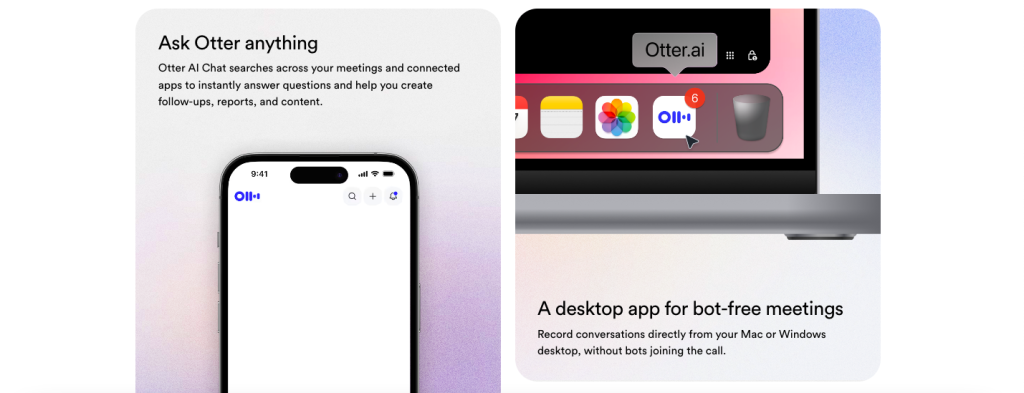
Otter transforms the way we conduct meetings with its impressive array of features. One standout capability is real-time transcription, which captures spoken dialogue accurately as it happens. This ensures that you never miss a crucial point during discussions. Collaboration becomes seamless with shared notes and highlights. Team members can access meeting summaries instantly, allowing everyone to stay aligned even if they couldn’t attend. The search functionality adds another layer of efficiency, letting users find specific moments within transcriptions quickly. No more scrolling through pages of notes to locate key insights. Integration with popular platforms like Zoom enhances productivity further by connecting different tools in your workflow. You can focus on discussion rather than worrying about note-taking or documentation. Additionally, Otter’s ability to generate customizable summary outlines makes follow-up tasks easier and keeps action items front and center for all participants.
Real Life Examples of Otter in Action
In a bustling marketing agency, a team used Otter to capture insights during brainstorming sessions. Instead of scrambling for notes, everyone could focus on sharing ideas while Otter transcribed the conversation in real time. This streamlined their creative process and ensured no brilliant thoughts were lost. In academia, professors leverage Otter for lectures and discussions. Students appreciate having accurate transcripts available immediately after class, helping them review complex topics without the stress of missed information. Small businesses are also reaping rewards. During client meetings, one owner utilized Otter to record conversations about project details. Later, they referred back to specific points discussed, enhancing clarity and reducing misunderstandings. Even remote teams have found it indispensable during virtual check-ins. With participants spread across different locations, Otter’s ability to summarize key takeaways has fostered better collaboration and accountability amongst teammates.
Comparison with Other Meeting Tools and Apps
When evaluating Otter, it’s essential to compare it with other meeting tools like Zoom, Microsoft Teams, and Google Meet. Each platform has its strengths, but they often fall short in transcribing meetings effectively. Zoom offers robust video conferencing features but lacks advanced transcription capabilities. While you can record sessions, the manual effort needed for note-taking is still significant. Microsoft Teams integrates well within business ecosystems but may overwhelm users with its complex interface. Though it provides some transcription abilities, they aren’t as refined as what Otter delivers. Google Meet allows convenient collaboration but does not offer built-in transcription services. Users must rely on third-party plugins or external software to capture conversations accurately. Otter stands out because of its focus on real-time transcription and organization of notes. This specificity makes it a powerful asset for those who prioritize clarity in their meeting documentation.
Tips for Optimal Use of Otter in Meetings
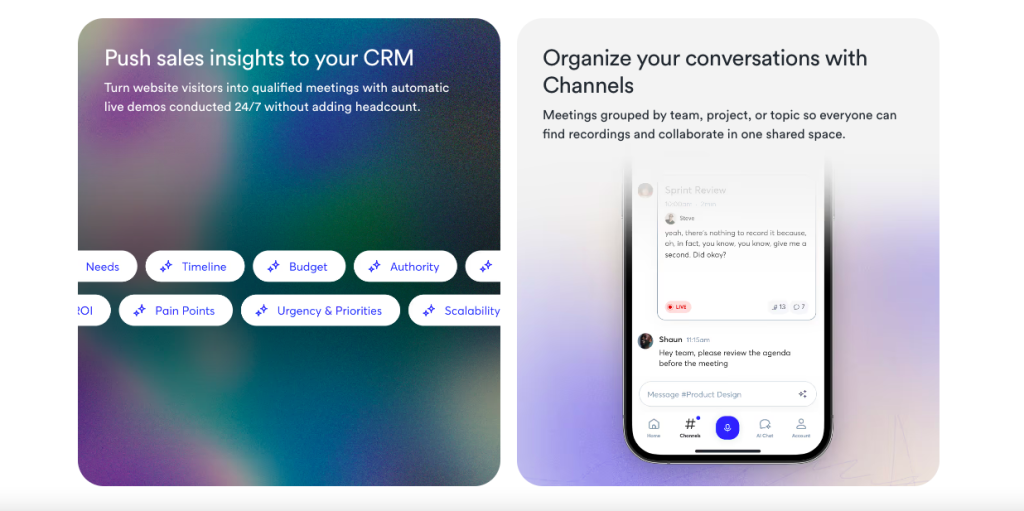
To make the most of Otter during your meetings, preparation is key. Start by ensuring that you have a stable internet connection. This helps prevent any disruptions during the transcription process. Next, familiarize yourself with Otter’s interface before the meeting begins. Knowing where to find features like highlights and speaker identification can save time when reviewing notes later. Encourage all participants to speak clearly and at a moderate pace. This enhances accuracy in transcriptions and makes it easier for everyone to follow along. Utilize tags or keywords within Otter to categorize important topics on-the-fly. This organization will make post-meeting review much more efficient. Lastly, consider integrating Otter with other tools you use regularly, such as calendars or project management apps. Streamlining this workflow can help keep everything connected seamlessly throughout your projects.
Conclusion: Is Otter Worth Using for Streamlining Your Meetings?
Otter emerges as a powerful ally in the realm of meetings. Its ability to transcribe conversations in real-time enhances productivity and ensures that no vital information slips through the cracks. For teams juggling multiple projects, having an accurate record of discussions can be invaluable. The combination of features—like searchable transcripts, speaker identification, and seamless integration with tools like Zoom—makes Otter stand out among its competitors. It not only saves time but also fosters collaboration by making it easy for team members to revisit past conversations. However, while Otter offers numerous advantages, it’s essential to consider its limitations as well. The need for a stable internet connection and occasional inaccuracies in transcription might pose challenges for some users. Ultimately, whether or not Otter is right for you depends on your specific needs and workflows. If you’re looking to enhance meeting efficiency and accountability within your team, giving Otter a try could very well be worthwhile.